
Signing in to ownvia takes place via your organisation’s individual internet address.
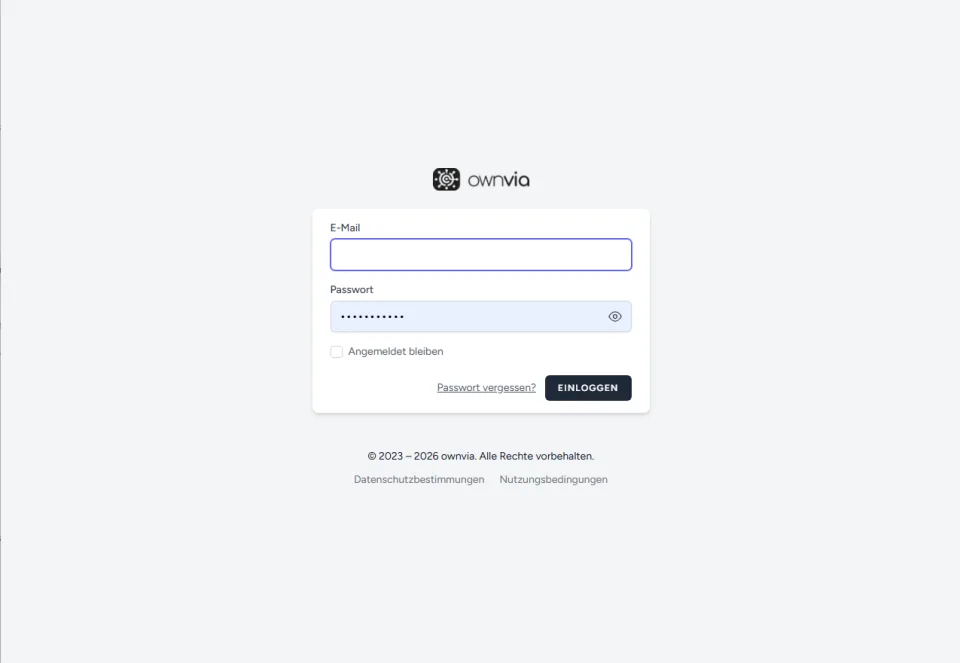
- Open your organisation’s login page:
https://[mandant].ownvia.app/login - Enter your registered email address and your password.
- Optionally activate Stay signed in.
- Click Log in.
After signing in successfully, you will be automatically taken to your personal workspace.
Note: You will receive the full login address from your administrator. If two-factor authentication is enabled, you will also be prompted to enter a verification code.