In ownvia, you can switch the interface language between German and English at any time.
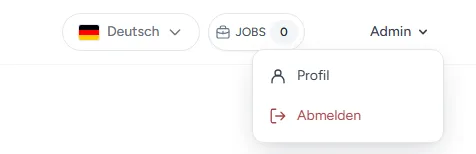
Click the language selector with the country flag in the top right.
Select German or English.
The interface will then be displayed in the selected language.
Additional languages: In addition to German and English, additional interface languages can be provided for customers on request, at short notice and free of charge. Please feel free to contact us about this.
Note: The language setting applies to the ownvia interface, not to the languages of your translations.